
You are working on a report. Your email tab pings. You glance at it, just for a second, and fire off a quick reply. You go back to the report. Your phone buzzes with a message. You check it, respond, put the phone down. A Slack notification slides across your screen. You click it, answer, and try to find your place in the report again.
An hour passes. You have touched four things. You have finished none of them. And you feel strangely exhausted, even though it seems like nothing got done.
This is the paradox of busy-but-unproductive days: you are working constantly, but the work never seems to complete. In Chapter 4 of Productivity Micro-Habits: Tiny Changes, Big Results, author Grace Keys explains why this happens and offers a ridiculously simple counter-strategy: single-tasking. One tab. One timer. One task. That is the whole system.
Prefer to watch? Here's the 2-minute version:
The Hidden Cost of Switching Tasks
When you switch from one task to another, your brain does not flip a clean switch. It drags residue from the previous task into the next one.
Cognitive researchers call this attention residue. When you stop writing a report to check email, part of your working memory is still processing the report while another part is trying to understand the email. Neither task gets your full attention. Both suffer.
The cost compounds with frequency. Every switch carries a restart penalty: the time and energy it takes to re-orient, remember where you were, and rebuild your train of thought. Research from the American Psychological Association found that shifting between tasks can cost as much as 40% of productive time, not because the tasks themselves are hard, but because the switching is expensive.
As Grace Keys highlights in Chapter 4 of Productivity Micro-Habits, most lost time during the workday does not vanish into the tasks themselves, but into the friction and restart penalty of constantly switching between them.
Why Multitasking Feels Productive but Isn't
If multitasking is so inefficient, why does it feel like you are getting more done?
The answer is dopamine. Every time you respond to a notification, send a message, or check off a tiny action, your brain gets a small reward hit. That hit feels like progress. You feel busy, responsive, and on top of things.
But busyness is not productivity. Productivity is finishing the things that matter. And the things that matter almost always require sustained, uninterrupted attention: writing a proposal, solving a problem, having a meaningful conversation, learning a new skill.
Grace Keys writes in Chapter 3 that multitasking is not really doing two things at once. It is doing one thing, stopping, doing another thing, stopping, going back, and paying a restart penalty every time. The sensation of productivity comes from the quantity of switches, not the quality of output.
The habit stacking method works because it anchors one focused action to an existing routine. Single-tasking extends that principle across your entire working period: instead of stacking habits, you are stacking attention on one thing at a time.
The One-Tab, One-Timer Habit
Grace Keys does not propose a complicated focus system. In Productivity Micro-Habits, the single-tasking habit has three components:
One Tab
Close every browser tab except the one you need for the task at hand. If your task does not require a browser, close the browser entirely.
This sounds extreme, but it addresses the biggest source of task-switching: the open tab. Every visible tab is a micro-invitation to switch. Each one pulls a tiny thread of attention, even when you are not actively looking at it. Closing them is not about discipline. It is about removing the triggers.
If you need reference material, open only that reference and the document you are working on. Two tabs. No more.
One Timer
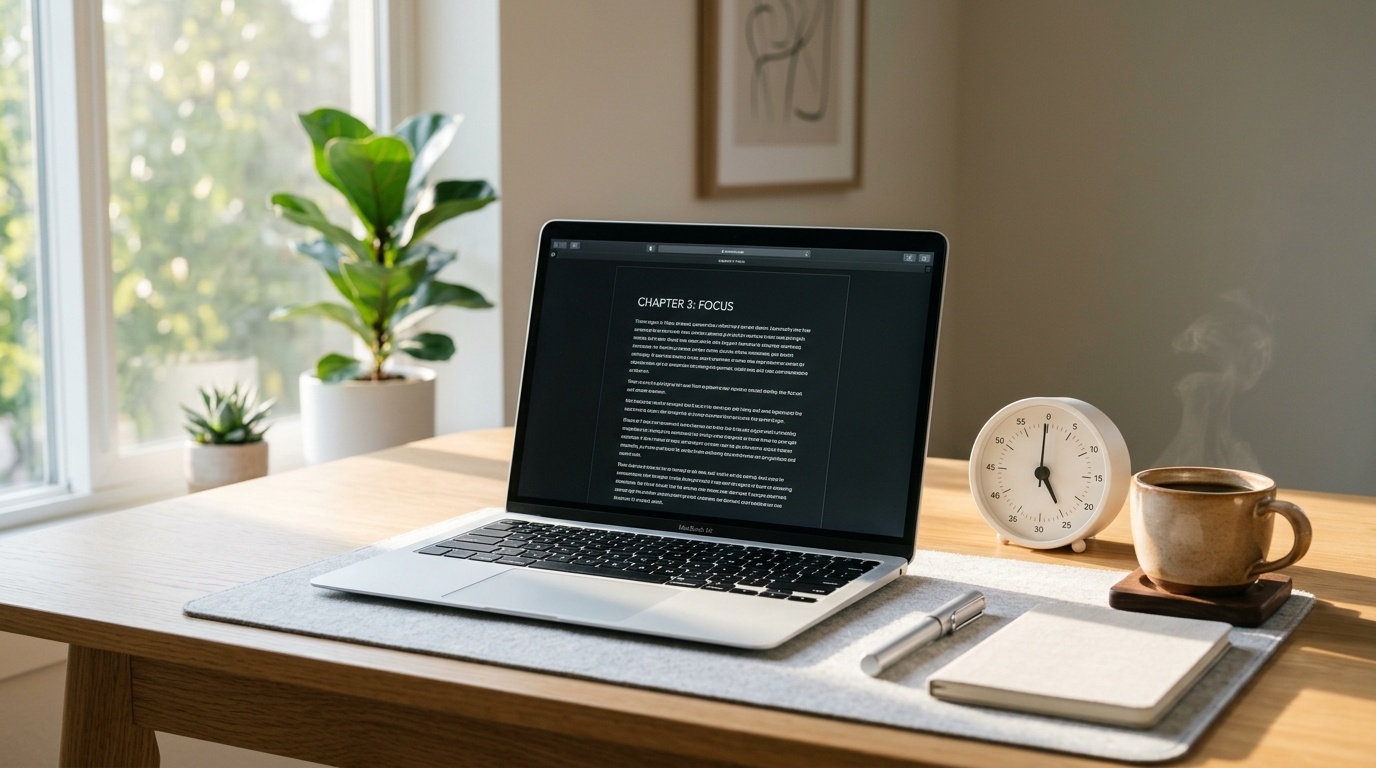
Set a timer for 25 minutes. Work on your one task until the timer goes off. When it rings, take a 5-minute break. Then reset.
The timer serves two purposes. First, it creates a container: you are not committing to focus forever, just for 25 minutes. That is manageable even on low-energy days. Second, it gives your brain a finish line. Without a timer, focused work feels open-ended and your brain starts looking for escape routes. With a timer, it knows relief is coming.
You can adjust the interval. Some people work better in 50-minute blocks. Others prefer 15. The exact number matters less than the principle: a defined, finite period of single-focus work followed by a deliberate break.
One Task
Before you start the timer, write down the single task you are going to work on. Not a category ("work stuff") but a specific action ("write the introduction to the Q4 report").
Grace Keys calls this the task declaration. Writing it down does two things: it forces you to choose (which eliminates the "what should I work on?" spin that wastes the first five minutes of every work session), and it gives you a clear standard for staying on track. If what you are doing is not the thing you wrote down, you are off task.
Batching the Small Stuff
Single-tasking does not mean ignoring email, messages, and small administrative tasks. It means doing them in batches instead of in real time.
The triage technique from Productivity Micro-Habits pairs well here. After your focused work block, spend 10 to 15 minutes in a dedicated "small stuff" batch:
- Check and respond to email.
- Reply to messages.
- Handle quick administrative tasks that take less than two minutes each.
By batching, you get the same tasks done but without the switching cost. Your brain enters "communication mode" once, handles everything, and then exits. Compared to checking email 47 times throughout the day (which studies suggest is the average for many office workers), batching saves hours of cumulative restart time.
Grace Keys recommends two to three small-stuff batches per day: mid-morning, after lunch, and late afternoon. Between those batches, notifications are off.
How to Protect a Focus Block at Work or Home
The biggest threat to single-tasking is not your own willpower. It is other people.
Whether you work in an office, from home, or in a shared space, interruptions are constant. Here are four strategies from Productivity Micro-Habits for protecting your focus block without alienating everyone around you:
1. Signal your focus. Use a visible cue that tells people you are in a focus block. In an office, headphones work. At home, a closed door or a simple sign ("focusing until 10:30, back soon") works. The cue is not about shutting people out. It is about setting a clear expectation: "I am available, just not right this second."
2. Offer a specific alternative time. When someone interrupts, instead of saying "not now" (which feels like rejection), say "I am finishing something up. Can I come find you at 10:30?" This is a complete answer. It respects their need and protects your block.
3. Schedule your focus block like a meeting. Put it on your calendar. Block the time. If someone tries to schedule over it, treat it the same way you would treat any other meeting conflict: "I have something at that time. Can we do 11:00 instead?"
4. Start with a small block. If you have never done a focus block before, do not start with two hours. Start with 25 minutes. Prove to yourself (and to the people around you) that the world does not end when you are unreachable for half an hour.
FAQ
Q: I work in a role where I have to respond to messages quickly. Can I still single-task? A: Yes, but you may need shorter focus blocks. Try 15 to 20 minutes of focused work, then a 5-minute message check. Even short periods of single-tasking are more productive than continuous task-switching. Over time, you may be able to train your team to expect slightly longer response windows, which gives you room to extend the blocks.
Q: Is the Pomodoro Technique the same as single-tasking? A: The Pomodoro Technique (25 minutes on, 5 minutes off) is one popular implementation of single-tasking, and it is the format Grace Keys uses in Productivity Micro-Habits. But single-tasking is the principle, not the timer length. You can single-task in 15-minute blocks, 50-minute blocks, or any interval that works for your attention span and role.
Q: What if I genuinely do not know which task to work on? A: That is often a sign that you have too many tasks competing for attention. Before your focus block, spend two minutes writing down everything on your plate, then pick the one that would make the biggest difference if it were done today. Start there. If you cannot decide, pick any one and commit. A finished second-priority task is worth more than three half-done first-priority tasks.
Q: How do I single-task when my job involves creative work that needs different inputs? A: Creative work often feels like it requires multiple tabs and references, and sometimes it does. The key is distinguishing between "gathering" and "creating." Do your gathering phase first (research, reference, inspiration) as its own single-task block. Then close everything except your working document and do your creating phase. Separating the two modes prevents the research from becoming a procrastination loop.
Your Next Step
Try this today: close every tab except the one you need, set a timer for 25 minutes, write down one specific task, and work on nothing else until the timer goes off. That is it. One round. See how it feels.
If you want the full system of tiny, stackable habits that build lasting productivity without overhauling your life, check out Productivity Micro-Habits: Tiny Changes, Big Results by Grace Keys at https://urmspublishing.com/books.
We'd Love to Hear From You
"Which insight or framework in this guide resonated with you most? Share your thoughts below!"
Share your feedback or questions with Grace KeysProductivity Micro-Habits: Tiny Changes, Big Impact
By Grace Keys • URMS Publishing
This practical framework was pulled from Productivity Micro-Habits: Tiny Changes, Big Impact by Grace Keys. Discover proven cognitive tools, actionable worksheets, and transformative habits.
Never Miss an Insight
Join our VIP Reader Team for weekly frameworks and book giveaways.
Subscribe Free